
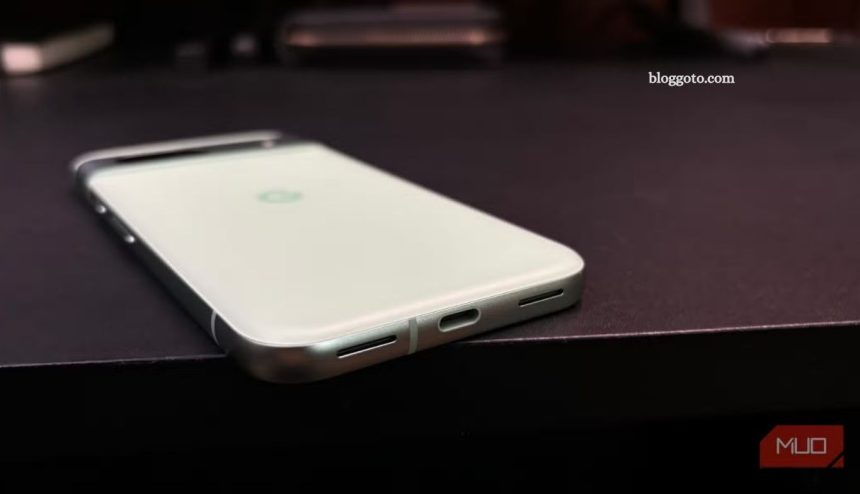
Curious about what USB-C accessories actually work with your phone? I tested 10 random USB-C devices—ranging from common tools to unexpected gadgets—to see which ones delivered real functionality. From seamless Ethernet connections to surprising mouse compatibility, the results revealed just how versatile modern smartphones have become.
Whether you’re troubleshooting a broken screen or seeking faster internet, some of these tools may be more useful than you think. In this hands-on test, I share what worked, what didn’t, and how each device performed. If you’ve ever wondered what your USB-C port is truly capable of, this is for you.
Read More: ChatGPT Voice Mode Disappoints—Use This Smarter Option Instead
Ethernet Adapter: Reliable Wired Connection
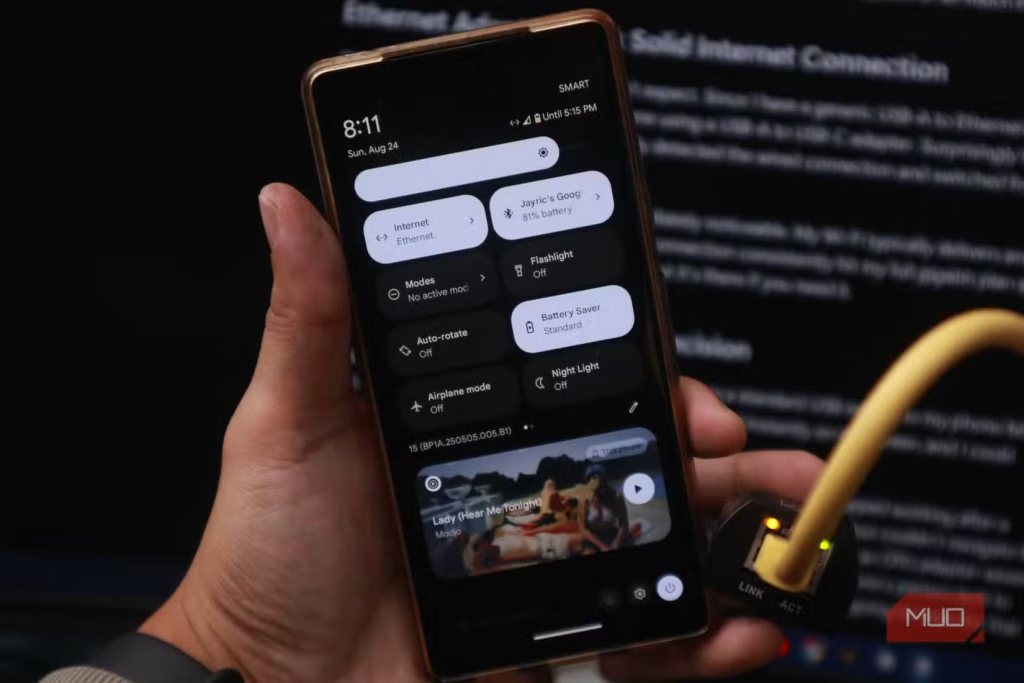
I didn’t expect this to work—but it did. Using a generic USB-A to Ethernet adapter with a USB-C converter, my phone instantly recognized the wired connection and switched from Wi-Fi to Ethernet. The difference was clear. While my Wi-Fi peaks at 50 Mbps, Ethernet delivered full gigabit speeds. I’m still unsure when I’d actually use this setup, but it’s a solid backup option.
USB Mouse: Instant Desktop Control
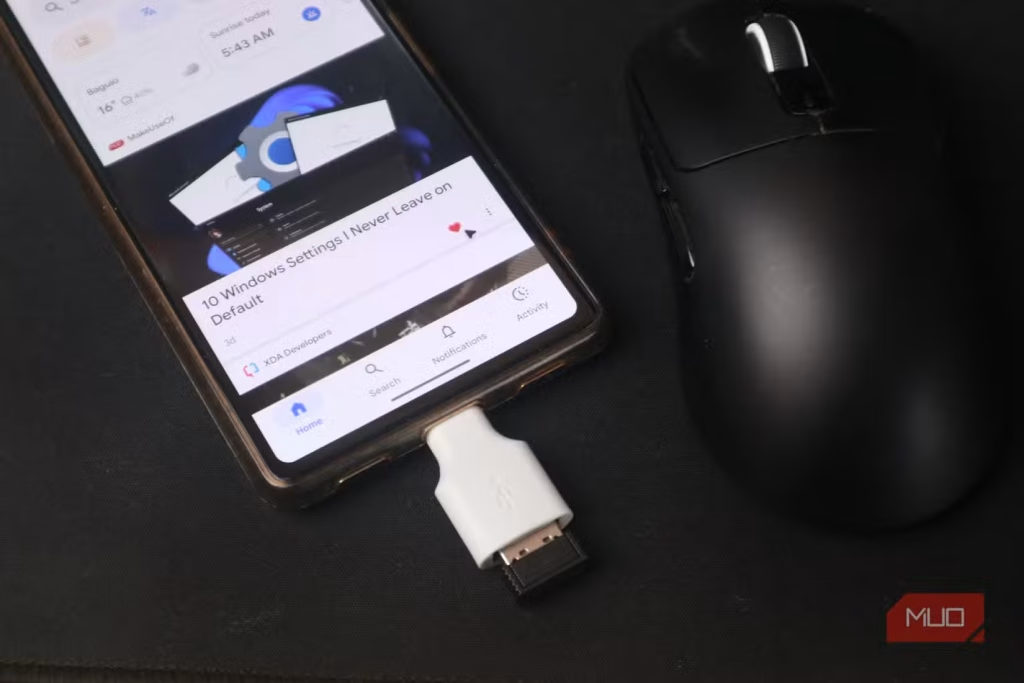
Connecting a USB mouse to my phone worked flawlessly. The cursor appeared instantly, offering smooth, desktop-like navigation. This setup proved invaluable when my touchscreen broke—I used an OTG adapter to plug in a mouse and easily backed up my data, unlocked my device, and even chatted before heading out for a screen repair. Simple, effective, and surprisingly powerful in a pinch.
Wired Keyboard: Type Like You’re on a Desktop
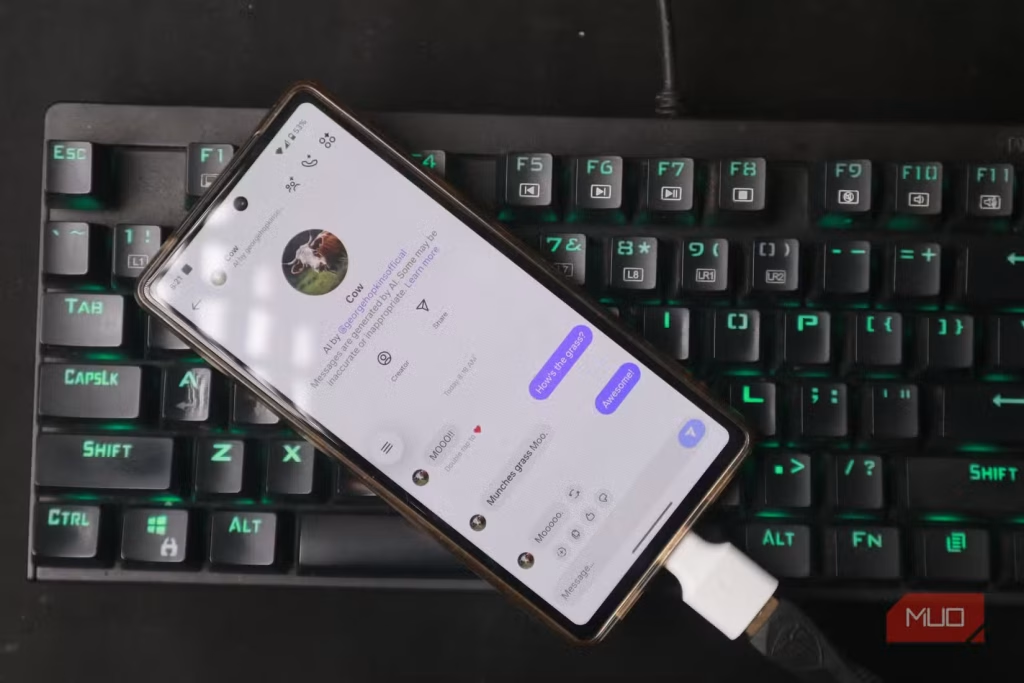
After connecting a mouse, I tested a wired keyboard—and it worked instantly. Typing felt just like on a desktop, complete with function keys and shortcuts. Paired with a mouse, it transformed my phone into a mini workstation. With features like Samsung DeX, this setup becomes a practical solution for working on the go. I’ve used it during travel delays to finish tasks without a laptop. It’s an efficient backup when your computer isn’t available.
Travel Router: Share Mobile Data Anywhere
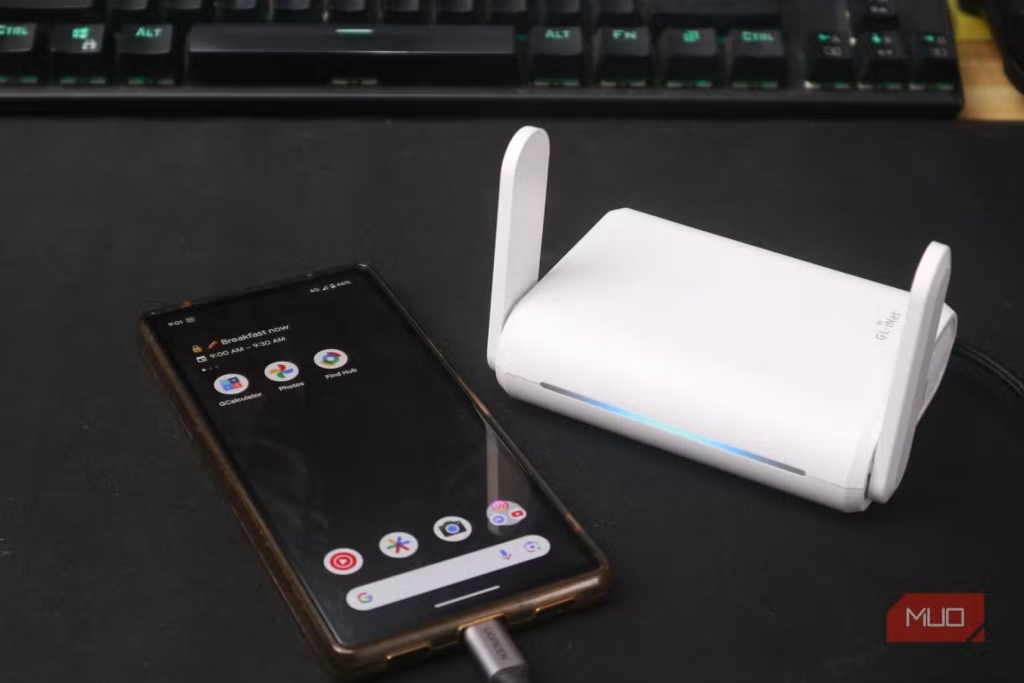
After a bad experience with a malicious public Wi-Fi hotspot, I started carrying a travel router. Surprisingly, my Pixel phone powered it via USB-C with no extra setup. The router used my phone’s mobile data to create a secure Wi-Fi network for other devices. While it does drain the battery faster, it’s perfect for sharing your connection with laptops or friends when no reliable Wi-Fi is available. Just plug it in, and it works. It’s great to see USB-C enabling such practical, on-the-go connectivity.
Game Controllers: Console-Style Gaming on Your Phone
Connecting a game controller via USB-C worked instantly on my Android phone. While I usually use Bluetooth, the wired setup delivered zero-lag, console-like performance. Games that support controllers recognized the device immediately—no extra apps or configuration needed. Paired with services like Xbox Cloud Gaming or GeForce Now, this setup turns your phone into a true portable console, offering smooth gameplay with full-size controls.
Printer: Quick USB Printing Without Wi-Fi
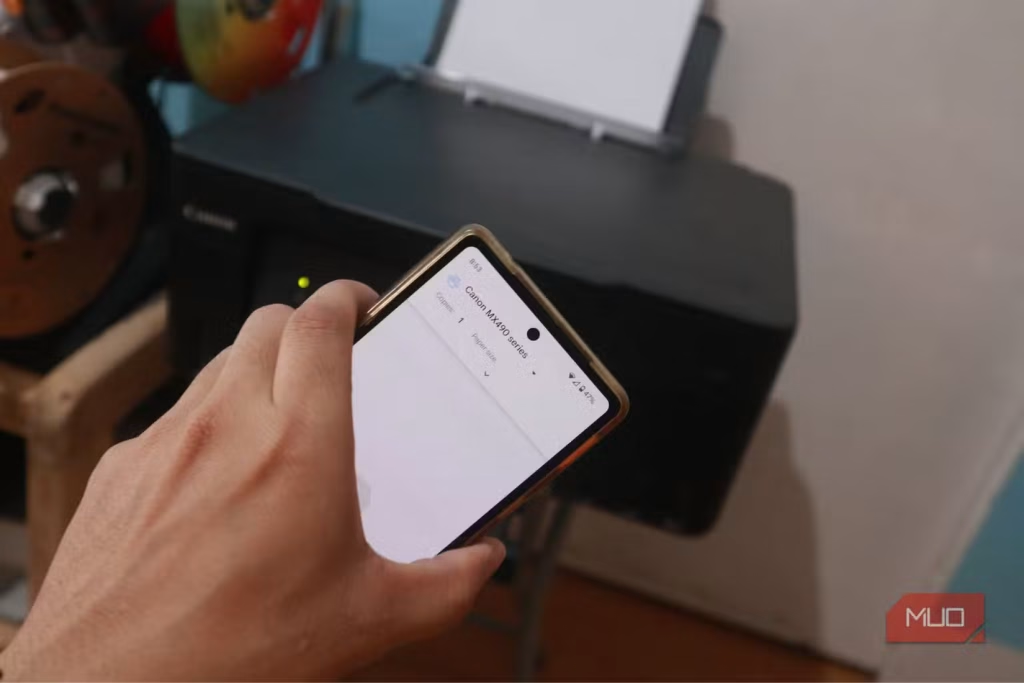
Plugging my USB printer into my phone via USB-C instantly added a print option across apps. I could print photos, documents, emails, and web pages—no Wi-Fi or PC needed. Print quality matched what I’d expect from a desktop setup. This is a handy solution for quick, direct printing when you’re offline or away from a traditional printer network.
Capture Card: Record HDMI Video on Your Phone
Using a USB-C capture card, I turned my phone into a portable video recorder. It handled input from consoles, cameras, and other HDMI sources for recording or live streaming. Just make sure to use a capture card with USB 3.1 or higher—lower-speed USB 2.0 models won’t work well. This setup proved useful when I needed to record BIOS settings without access to another computer.
USB Microphone: Clear, Pro-Quality Audio on Mobile
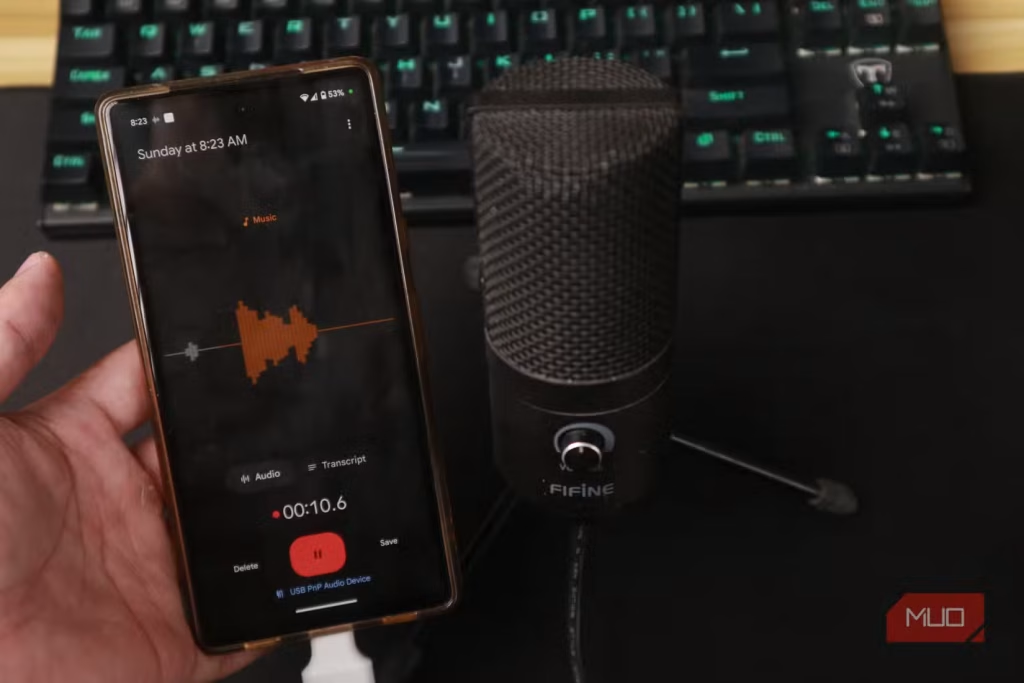
Smartphone mics aren’t known for great audio, but connecting a USB microphone via a USB-A to USB-C adapter changed that instantly. My phone recognized it as an external input, and recording apps automatically used it. The jump in audio quality was dramatic—ideal for content creators or anyone needing clean voice recordings. It’s a simple upgrade that delivers studio-like sound, no extra gear required.
Another Phone: Direct Device-to-Device Connection
Connecting two phones via USB-C created an instant link for file transfers, internet sharing, and even charging. If one device supports USB Power Delivery, it can power the other while transferring data. This setup opens up practical options for backing up files, sharing media, or emergency charging—no Wi-Fi or PC required.
Webcam: External Camera for Extra Flexibility
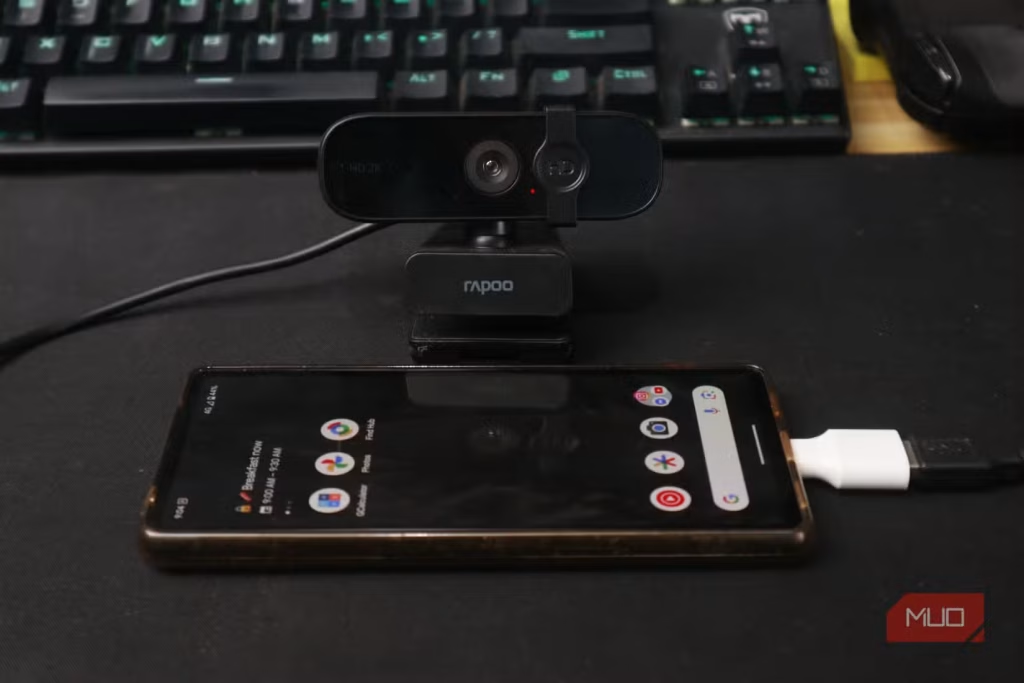
Connecting a USB webcam to my phone unlocked new creative options. Compatible apps detected it instantly, allowing me to switch between internal and external cameras. Android 14 even supports using your phone as a webcam for PCs—this setup flips that idea, offering external video input instead.
Many modern webcams offer better zoom or wider angles than built-in phone cameras. While most of these USB-C tricks aren’t everyday tools, they’re incredibly useful in a pinch—whether your touchscreen fails, your laptop dies mid-presentation, or you need pro audio or video fast. It’s reassuring to know your phone can handle more than expected.
Frequently Asked Questions
Can I plug any USB-C device into my phone?
Not all USB-C devices are compatible with smartphones. Devices must be supported by your phone’s hardware and Android version. USB-C accessories that require special drivers or higher power may not work correctly.
Do I need special apps to use USB devices on my phone?
Most basic USB devices—like keyboards, mice, and printers—work without extra apps. However, some accessories like capture cards or webcams may need compatible apps to function fully.
Will using USB-C devices drain my phone’s battery faster?
Yes. Devices like travel routers, external hard drives, or webcams draw power from your phone, which can reduce battery life more quickly.
Can I use my phone to charge other devices through USB-C?
If your phone supports USB Power Delivery (USB PD), it can charge other phones or accessories. This works best with proper USB-C to USB-C cables.
Is it safe to plug in random USB-C devices?
Generally, yes—but avoid using unknown or untrusted accessories. Malicious devices or poorly made adapters can potentially harm your phone or compromise security.
Why won’t some USB devices work on my Android phone?
Incompatibility could be due to outdated Android versions, lack of USB OTG support, insufficient power delivery, or missing drivers. Try using a different cable or checking device specs.
Do iPhones support USB-C accessories like Android phones?
Newer iPhone models with USB-C ports (like iPhone 15 series) support some accessories, but compatibility is more limited than on Android.
Conclusion
Testing a variety of USB-C devices on my phone revealed just how powerful and versatile modern smartphones have become. From plugging in a mouse and keyboard to enabling high-speed Ethernet, direct printing, or even HDMI video capture—your phone’s USB-C port can do far more than just charge. While these setups aren’t part of daily use for most people, knowing they work can be a game-changer in emergencies or productivity pinch points. Whether you’re a content creator, remote worker, or just tech-curious, exploring USB-C compatibility opens up practical tools you might not have realized were already in your pocket.