

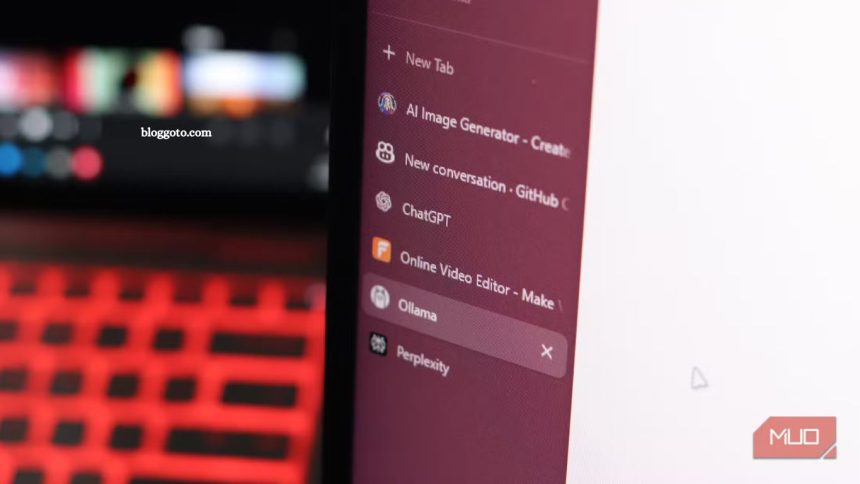
Accessing advanced AI tools doesn’t have to be expensive. With the rise of free chatbots, anyone can leverage artificial intelligence for productivity, creativity, and learning without incurring any costs. I’ve discovered a clever way to combine multiple free AI chatbots, each with its unique strengths, to cover a wide range of tasks, from writing and brainstorming to coding and research.
By combining these tools strategically, I can achieve results comparable to those of premium AI services, all for free. In this guide, I’ll share exactly how I set up and use these free chatbots effectively, helping you maximize your AI capabilities while keeping your budget intact. Even beginners can follow this approach and start reaping the benefits immediately.
Brainstorming Made Easy with Chatbots
OpenAI’s GPT-5 has transformed AI access, now available to free-tier ChatGPT users. This means you can leverage the latest AI models without incurring any costs. While there are limits on free usage, they are generous enough for casual brainstorming, content creation, or research.
GPT-5 delivers natural, high-quality responses, reducing factual errors by 45%, and simplifies the model selection process. Its unified platform automatically routes queries to the best model, eliminating confusion between GPT-4, GPT-4o, and GPT-4o mini. Beyond writing, GPT-5 handles coding, document analysis, image generation, and social media content, making it a versatile tool for anyone looking to create, explore, and innovate efficiently.
Read More: 10 Random USB-C Devices on My Phone—What Really Worked
GitHub Copilot for Free Chatbots Coding Assistance
GitHub Copilot offers a free Chatbots version for Visual Studio Code, providing 2,000 code completions and 50 chat requests per month, which is sufficient for learning, side projects, or light development. The platform leverages AI models from OpenAI, Google, and Anthropic, providing top-tier coding support at no cost. No trials or credit cards are required, just sign in with your GitHub account.
Copilot works as a VS Code extension or web tool, generating complete projects, code samples, and repository structures from simple prompts. With full project awareness, it handles multiple files seamlessly. Students, teachers, and open-source contributors can access Copilot Pro for free, making it one of the most valuable tech perks available.
Perplexity for Fast and Accurate Research
Perplexity is a powerful tool for quick research, offering clear answers with cited sources and mostly real-time information. While it doesn’t replace traditional research, it’s ideal for fact-checking, summaries, or exploring unfamiliar topics.
The free tier offers unlimited basic searches, five Pro searches, and three daily file uploads for document analysis—enough to meet most research needs. Perplexity automatically selects the best AI model for your query, including GPT-5, Claude Sonnet 4.0, Gemini 2.5 Pro, and others. While this selection isn’t always perfect, it delivers solid results most of the time.
With three Research searches included daily, Perplexity often outperforms ChatGPT in accuracy and up-to-date information. Its combination of speed, source transparency, and multi-model access makes it an excellent free resource for students, professionals, and casual researchers alike.
Leonardo.AI for Free Image Generation
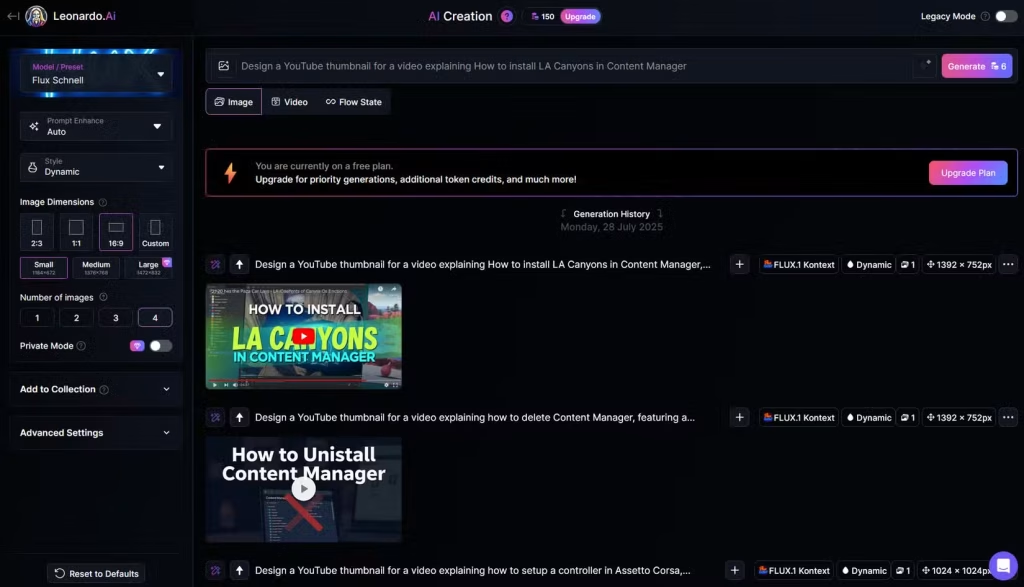
Leonardo.AI is a versatile online tool for AI-powered image creation. Its free tier provides 150 daily tokens, enough to generate up to 25 images at 16:9 resolution using the Flux Schnell model. Other models, such as GPT-Image-1, are available, although token costs vary.
The platform enables you to experiment with prompts, refine details, and utilize an AI-based prompt enhancer for more nuanced outputs. Predefined image styles make it easy to create anything from YouTube thumbnails to company logos in minutes. Paired with free editors like Canva or Photopea, Leonardo.AI enables users to create professional-quality visuals entirely for free, making it a top choice for designers, content creators, and hobbyists alike.
FlexClip for Free AI Video Creation
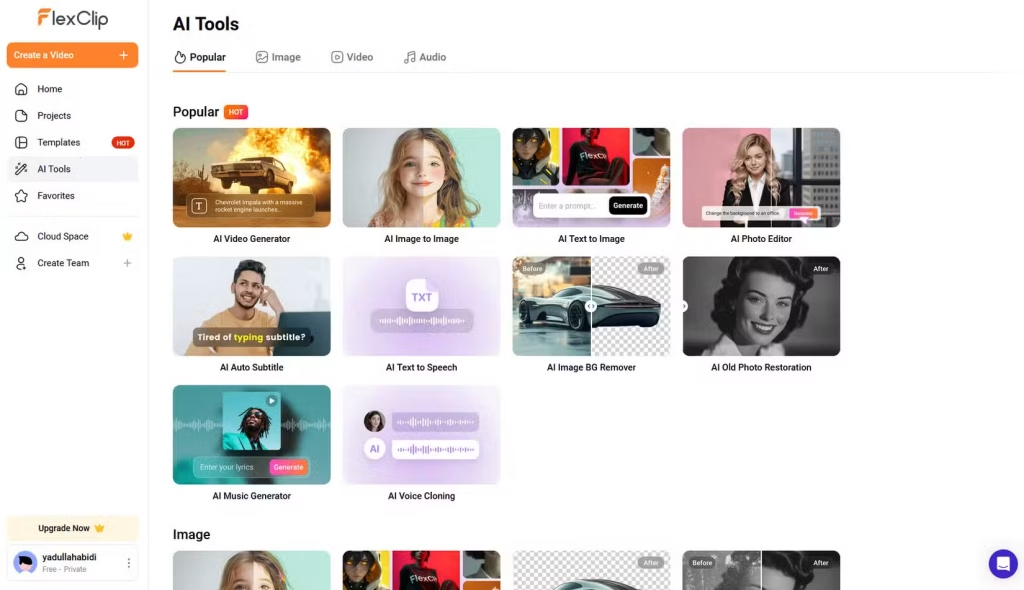
FlexClip is a robust online platform offering AI tools for video, image, and voice generation. Its free plan includes 720p HD downloads, up to 12 projects, 10-minute video lengths, and one stock video and audio per project. You also get 10 free uses of AI features like the video generator and script writer.
With FlexClip, you can transform a text prompt into a comprehensive AI-generated video, seamlessly combining images and AI narration. While the free videos are simple, they’re surprisingly usable. The platform uses a credit system for advanced AI tools, similar to Leonardo.AI, allowing access without a paid subscription. FlexClip is ideal for creators experimenting with AI videos at no cost.
Ollama for Local AI Power
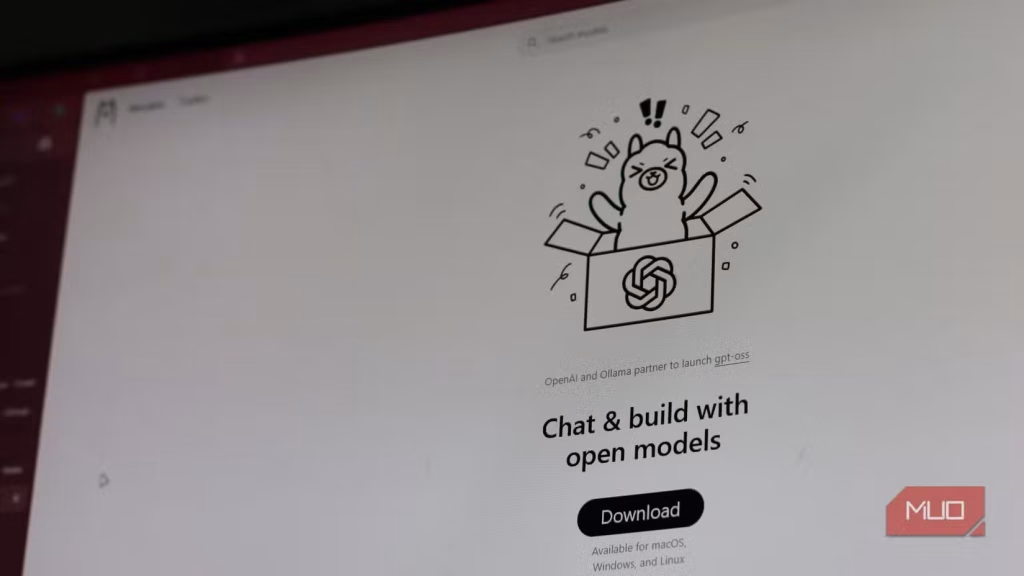
Ollama lets you run powerful, open-source AI models entirely on your computer—no internet, no usage limits, and no data leaving your machine. Supported models include Llama 3.2, DeepSeek-R1, and Mistral, with more available through Ollama’s Library. A partnership with OpenAI brings the latest open-weight models to the platform.
Setup is quick and easy on Windows, Linux, or macOS. Running a model like Google’s Gemma 3 requires a simple command, though hardware requirements vary: 8GB RAM for 7B models, 16GB for 13B, and 32GB for 33B. While features like conversation history and file uploads are limited, you can interact with local files using some programming know-how.
Ollama is ideal for experimenting with AI, building AI-enabled apps, or anyone wanting complete control over models locally. Strategically stacking Ollama with other free AI tools can replicate much of what paid AI plans offer—completely free.
Frequently Asked Questions
Are these AI tools really free?
Yes! All the tools listed, including GPT-5, GitHub Copilot, Perplexity, Leonardo.AI, FlexClip, and Ollama, offer free tiers or completely free access, although some may have usage limits or require registration.
Can I use these tools for professional work?
Absolutely. Free tiers are ideal for learning, side projects, content creation, research, or prototyping. For heavy or commercial use, you may eventually need a paid plan.
Do I need powerful hardware to use these tools?
Most online AI tools (GPT-5, Perplexity, Leonardo.AI, FlexClip) run on the cloud, so hardware isn’t a concern. For Ollama, running local models requires sufficient RAM and processing power, depending on the model size.
Can I combine multiple AI tools?
Yes! Strategically stacking tools enables you to replicate many capabilities of paid AI plans, utilizing each tool for its specialty—coding, writing, research, images, videos, or local AI experimentation.
Are the outputs reliable and accurate?
Outputs are generally high-quality, but free versions may have limitations or occasional errors. Always verify critical information, especially when researching or creating professional content.
Do these tools require a credit card?
Most free tiers do not require payment or a credit card. Some advanced features or subscriptions are optional for enhanced access.
Conclusion
Free AI tools have made advanced technology accessible to everyone, from students and creators to developers and researchers. By strategically combining platforms like GPT-5, GitHub Copilot, Perplexity, Leonardo.AI, FlexClip, and Ollama, you can cover writing, coding, research, image and video generation, and even local AI experimentation—without spending a cent. While free tiers may have limits, they are more than enough for learning, prototyping, and side projects.