

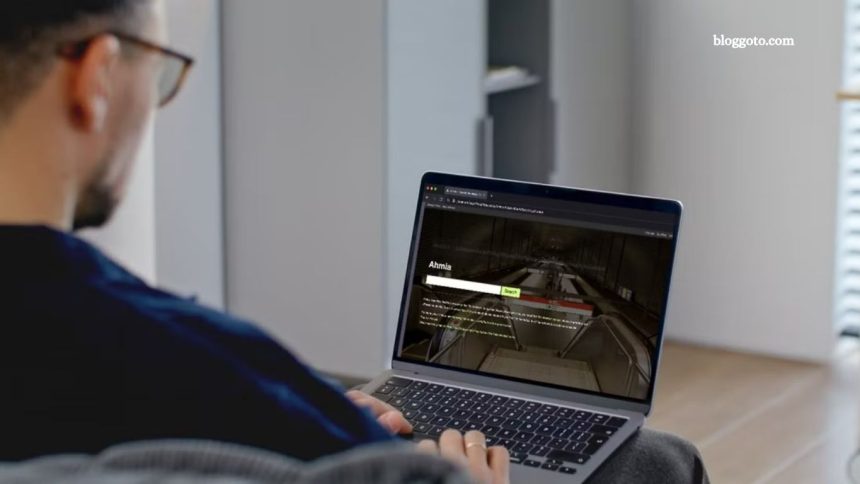
I once believed the dark web was an inaccessible maze of hidden sites used solely by hackers and criminals. But I’ve since discovered that there are reliable methods to search the dark web for specific websites and content.
How to Search the Dark Web
You won’t find dark web sites through Google, at least not effectively. The dark web operates on a separate network, and its sites use a unique “.onion” domain, which standard search engines can’t index. To explore it, you need two things: a specialized browser and the right search engines.
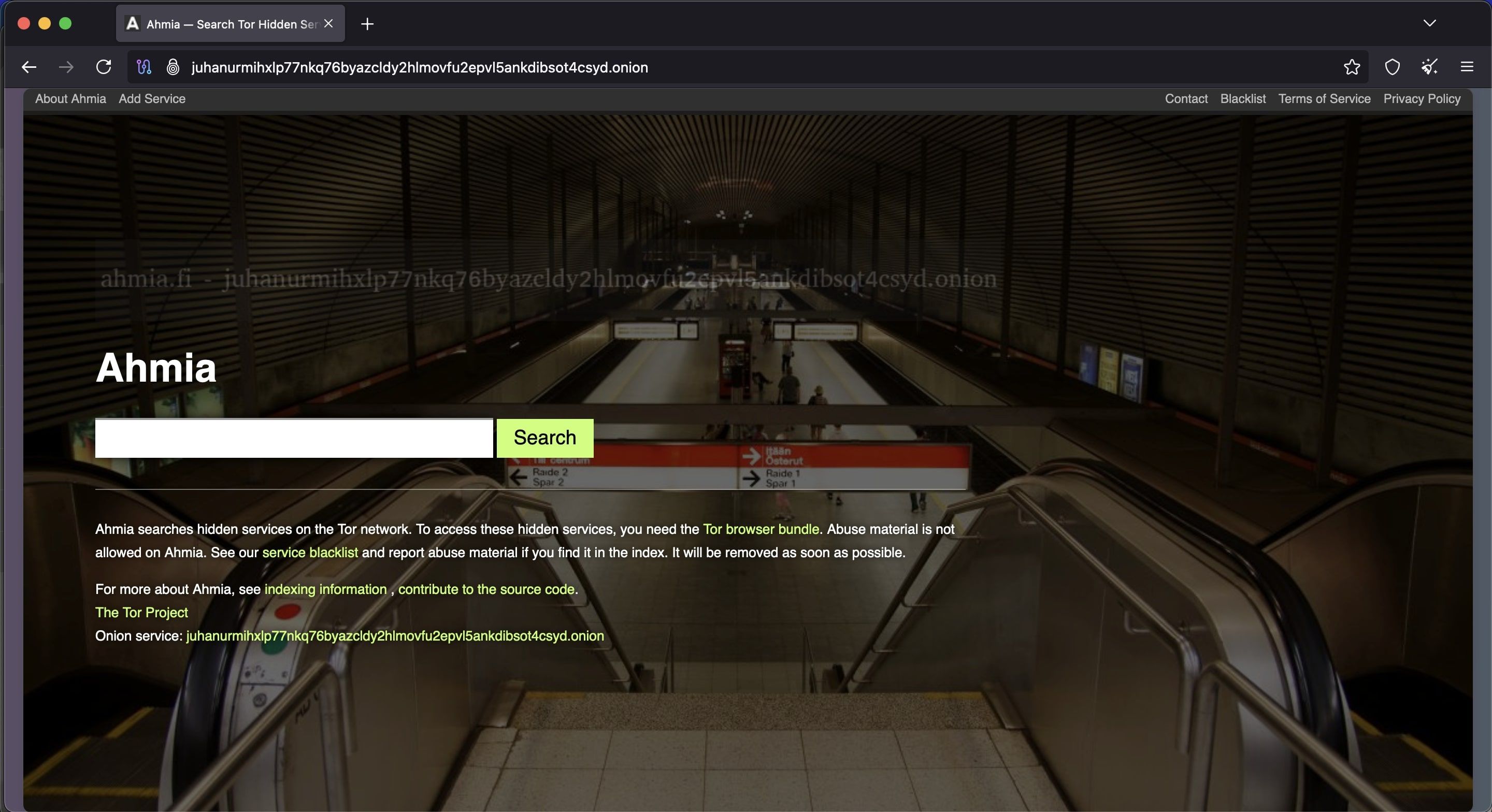
Start with the Tor Browser, the most widely used tool for accessing .onion websites. Chrome or Edge won’t work here. Once on Tor, use dark web search engines like Ahmia or Torch. Ahmia is beginner-friendly—it filters illegal content and is accessible via regular browsers, though .onion links still need Tor. Torch is broader and less filtered, offering access to more content, but with increased risk.
Unlike Google, dark web search tools don’t automatically index every site. They rely on manual submissions and curated lists, so many results are outdated, inactive, or misleading. Onion sites are often short-lived, hidden, or change addresses frequently.
Ahmia offers a safer, more curated experience but limits access to niche communities. Torch favors quantity, indexing more pages but also including duplicates, dead links, and unsafe content.
Read More: Common Internet Speed Test Mistakes That Skew Your Results
Spotting Legitimate Onion Sites vs. Scams
The dark web lacks the trust signals you’re used to—no HTTPS padlocks, verification badges, or guarantees that sites are authentic. Scams and impersonation are common, especially on marketplaces and forums.
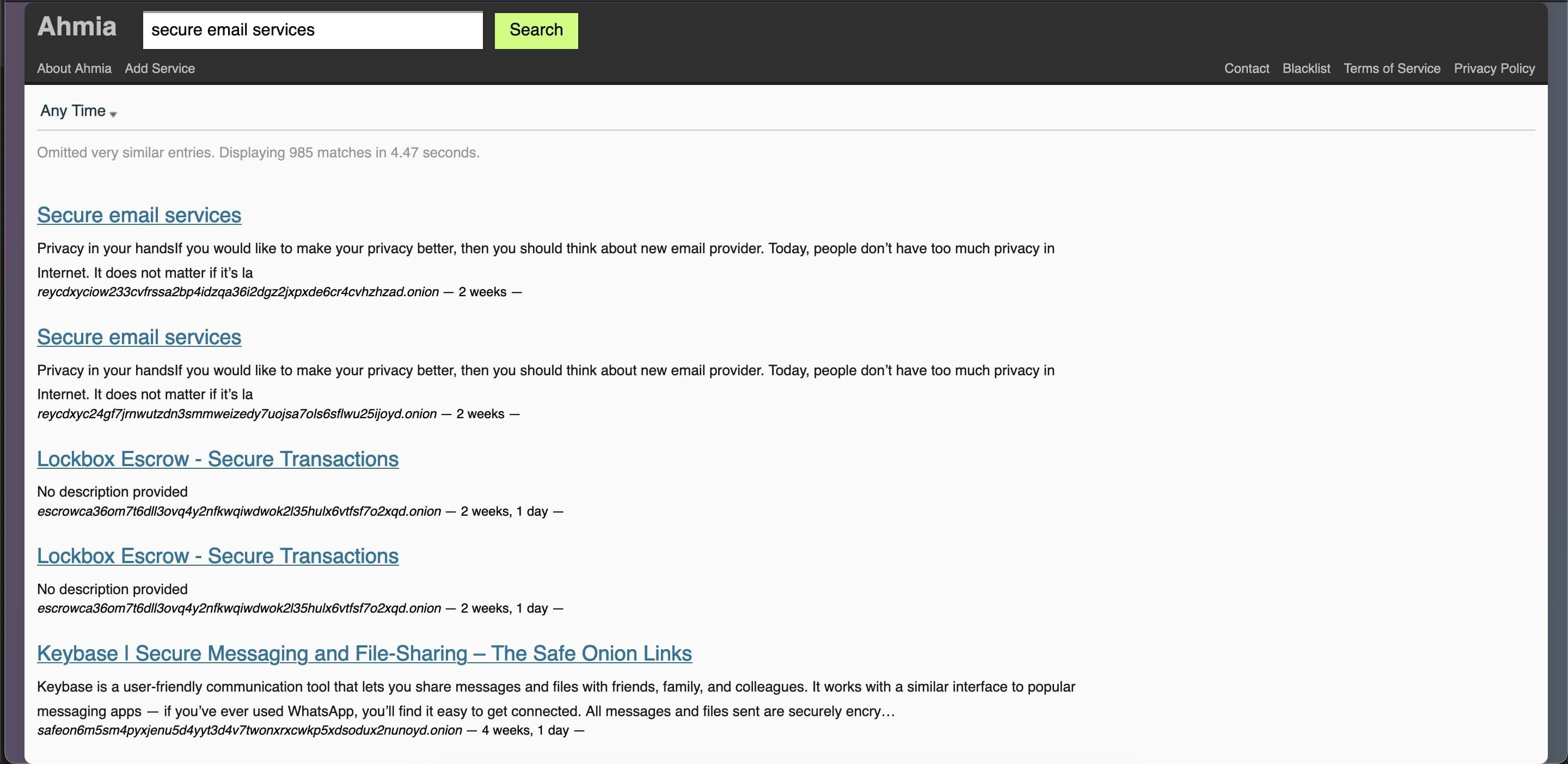
To verify a dark web link, start with the source. On Ahmia, search results often include brief descriptions and timestamps showing the last time a site was active. If a site hasn’t been seen in a while, it may be offline, outdated, or compromised.
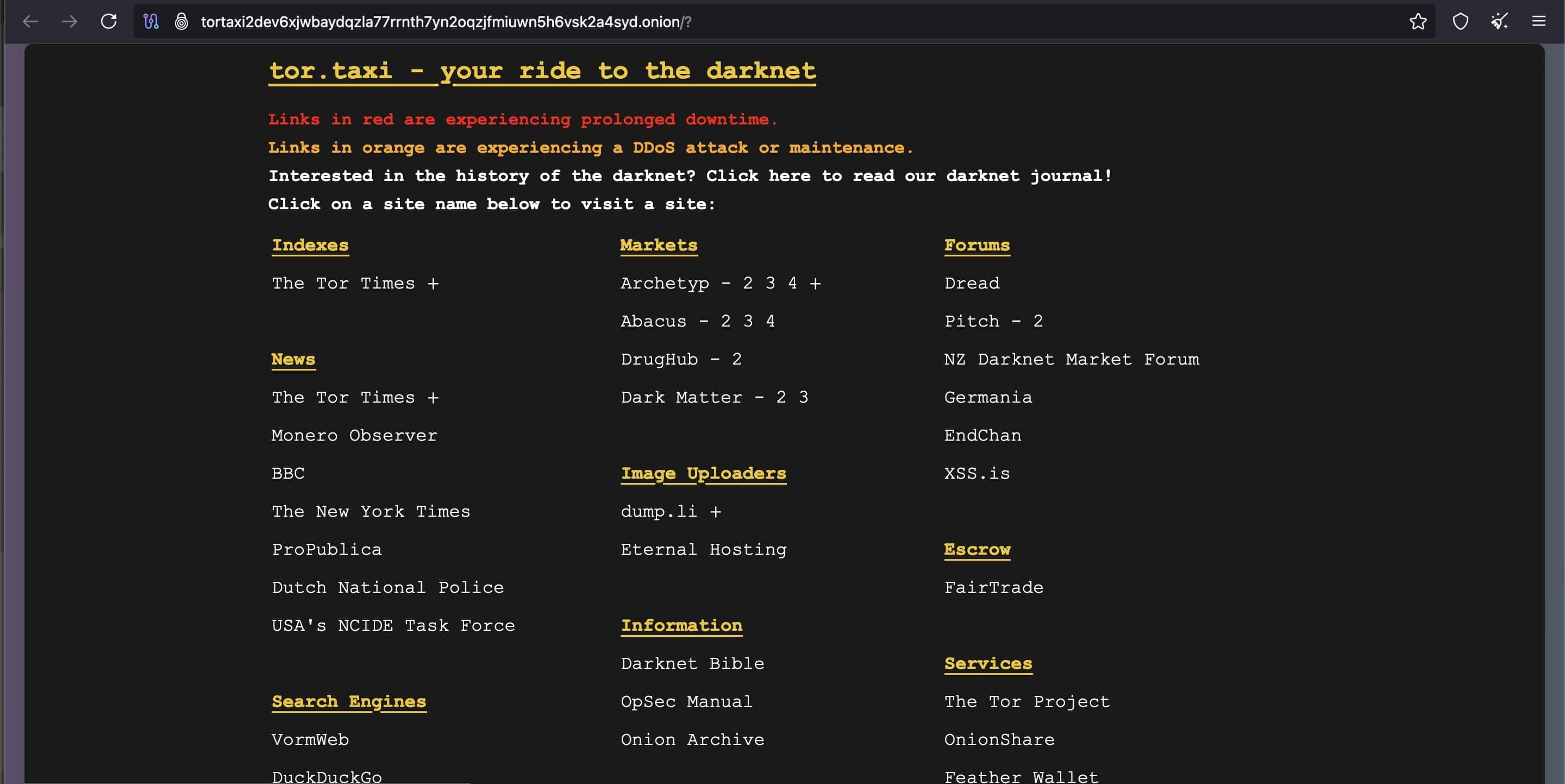
Check if the .onion address is listed on a legitimate public site. Reputable organizations like Facebook, BBC, and ProPublica publish their verified dark web URLs on their websites or Wikipedia pages. If the URL matches, it’s likely authentic.
For lesser-known sites, cross-reference the address using trusted .onion directories like the Real World Onion Sites GitHub page or browse discussions on forums such as r/onions and r/deepweb. Be cautious with links from outdated sources like the Hidden Wiki, which is no longer considered reliable.
Always trust your instincts. If a site demands personal info, urges downloads, or looks suspicious, exit immediately. Even legitimate .onion sites often appear minimalistic or load slowly due to Tor’s limited speed. That doesn’t mean they’re unsafe—just built for function over design.
Finally, save useful URLs securely. Onion addresses are long, complex, and nearly impossible to recall without a bookmark or encrypted note.
Safety Essentials While Browsing
You don’t need to be a cybersecurity expert to browse the dark web safely, but staying alert is essential.
Always use the Tor Browser, and keep it updated. Never open .onion links in regular browsers; they won’t work and may expose your activity. Avoid copying links across apps or browsers where they could be tracked or stored.
Protect your identity. Don’t use real names, emails, or passwords. Create throwaway accounts with unique credentials if needed.
Disable scripts in Tor’s settings to reduce your risk of tracking or malware. Most .onion sites function without scripts anyway.

Avoid downloads unless you fully trust the source. Even basic files can carry hidden threats.
Some users combine Tor with a no-logs VPN for extra privacy, especially in countries with internet restrictions. Just know that using both doesn’t guarantee full anonymity.
Finally, know your local laws. Visiting the dark web is legal in many places, but accessing illegal content or services isn’t. Even unintentional visits to banned sites can have serious consequences depending on your region.
Frequently Asked Questions
Is it legal to access the dark web?
Yes, accessing the dark web is legal in most countries. However, engaging in illegal activities—such as buying drugs, weapons, or stolen data—is against the law. Always check your local regulations before browsing.
What browser do I need to access the dark web?
You need the Tor Browser to access .onion websites on the dark web. Standard browsers like Chrome or Safari can’t open these links and may compromise your privacy.
Can I use Google to search the dark web?
No. Google and other mainstream search engines don’t index dark web content. You’ll need dark web–specific search engines like Ahmia or Torch.
What are the safest dark web search engines?
Ahmia is considered one of the safest dark web search engines, as it filters out illegal content. Torch offers broader access but with fewer safety filters.
How do I know if a .onion site is legit?
Verify the link’s source. Trusted organizations like Facebook and BBC list their official .onion URLs on their public websites. You can also cross-check URLs on GitHub directories or Reddit forums like r/onions.
Is using a VPN with Tor recommended?
Using a VPN with Tor can offer an extra layer of privacy, especially in regions with restricted internet access. Choose a no-logs VPN from a reputable provider.
Can I get viruses from the dark web?
Yes. Downloading files or enabling scripts on unknown .onion sites can expose you to malware. Avoid downloads and disable scripts in Tor’s settings for added security.
Why are dark web sites slow or broken?
The Tor network prioritizes anonymity over speed. Many dark web sites are also minimal by design or poorly maintained, leading to slow load times or frequent downtime.
What should I do if I find useful information on the dark web?
Bookmark or securely save the .onion URL immediately. These addresses are complex, and without saving them, it’s often impossible to find the same site again.
Conclusion
Exploring the dark web isn’t just for tech experts or cybercriminals—it’s accessible to anyone with the right tools and precautions. By using the Tor Browser, trusted search engines like Ahmia or Torch, and maintaining strong privacy habits, you can safely navigate .onion websites. Always verify links, avoid downloads, and stay aware of legal boundaries in your region. With a cautious approach, the dark web can offer valuable insights while keeping your identity and data secure.